
Personal banking
Stay connected to your finances.
Digital banking should give you a convenient way to stay informed. Understand your access options and follow a few important security habits every time you sign in.
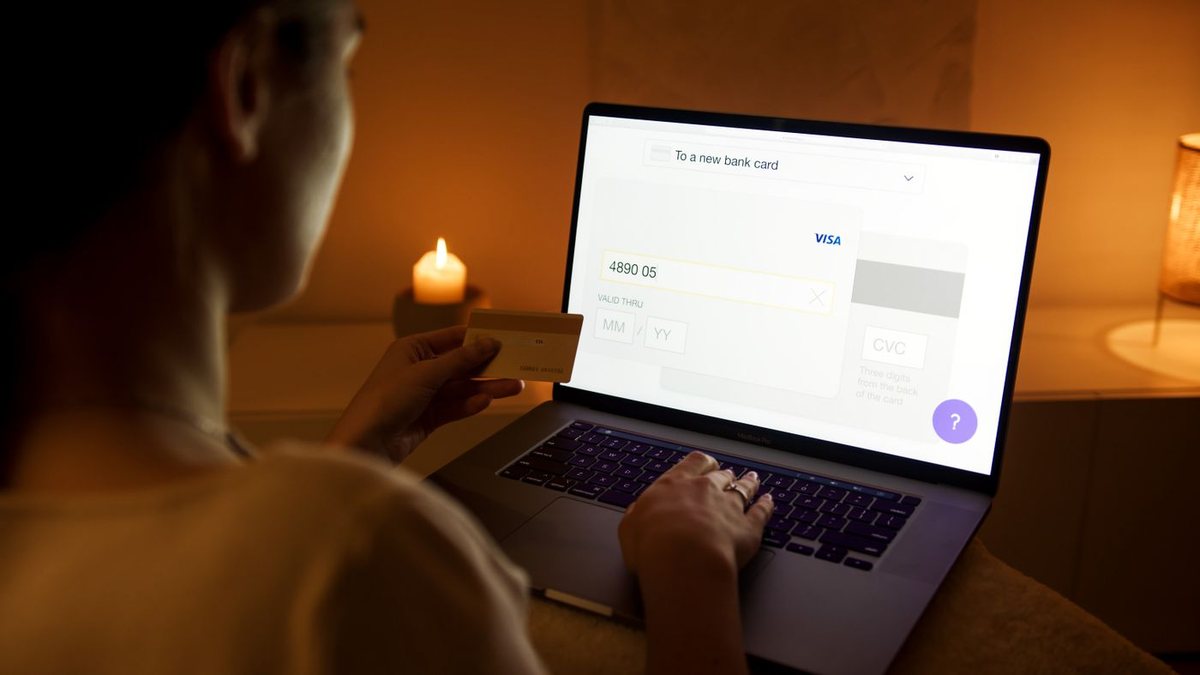
Digital banking
Make the details work for you.
Start with a clear view of the choices and questions that shape your decision.
01
Use an official route
Begin with the Online Banking Login button on this website once access is connected. Avoid signing in from unexpected messages.
02
Protect every sign-in
Use a unique password, keep devices updated and enable additional verification where your banking provider offers it.
03
Keep details current
Update contact details through your authorised banking service so important account communications can reach you.
Know what to expect before you connect.
Available services—such as balances, transfers, statements and alerts—depend on the banking platform linked by Edge Financial. This website is an information site and does not hold account balances or process transactions. The access page explains the current connection status.
Frequently asked questions
A little more clarity.
Useful answers before you take the next step.
Where do I log in?
Select Online Banking Login in the header. If the service is not connected, the access page will explain that access is not yet available.
What if I forget my password?
Use the recovery tools on the authorised banking platform. This website cannot view, reset or retrieve your banking password.
Can I send account instructions through Contact?
No. Use the authorised banking service for payment instructions or account changes. General enquiries must not contain passwords, card numbers or verification codes.
Let’s talk about your next step.
Explore your options with a clear conversation about your needs, priorities and questions.